
I’ve used Trello since not long after it launched in 2011. Work projects, personal stuff, solo and with teams. It works well.
But over the years Trello has gotten bloated and I haven’t been able to find an alternative with the killer feature I want: viewing multiple boards at once.
There are probably a thousand Trello clones out there. Now there’s a thousand and one.
Pika Pile is my personal entry into the space.
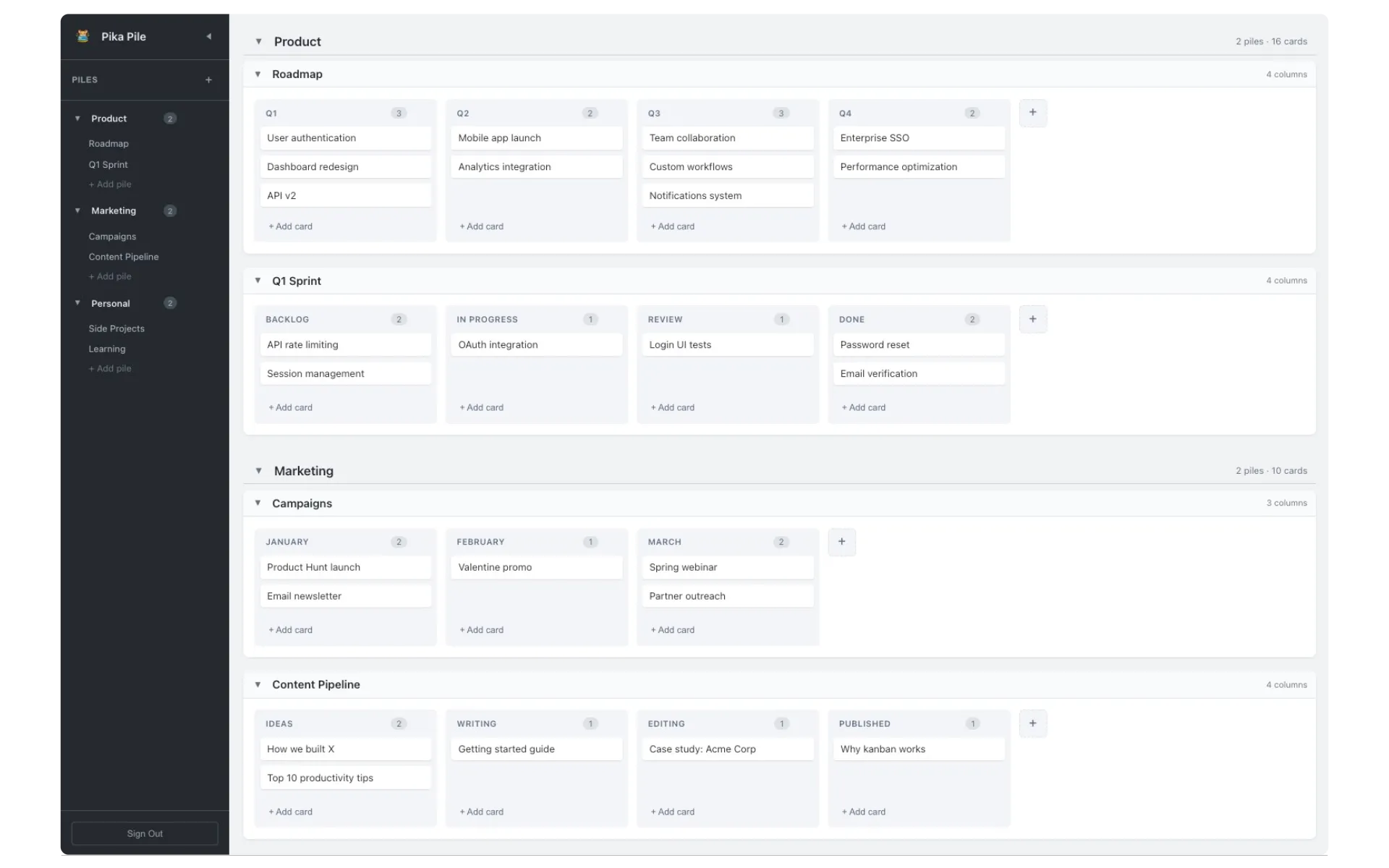
“Piles” are projects or contexts that hold lists (columns) and cards. Multiple piles can be grouped together. You can move cards between piles. You can collapse and open piles and groups, or zoom in and just show one. It’s probably easiest to understand by trying the demo.
The other critical feature is the lack of features. It’s simple on purpose. Perhaps I’ll add more, but this has become my daily driver.
How I use it
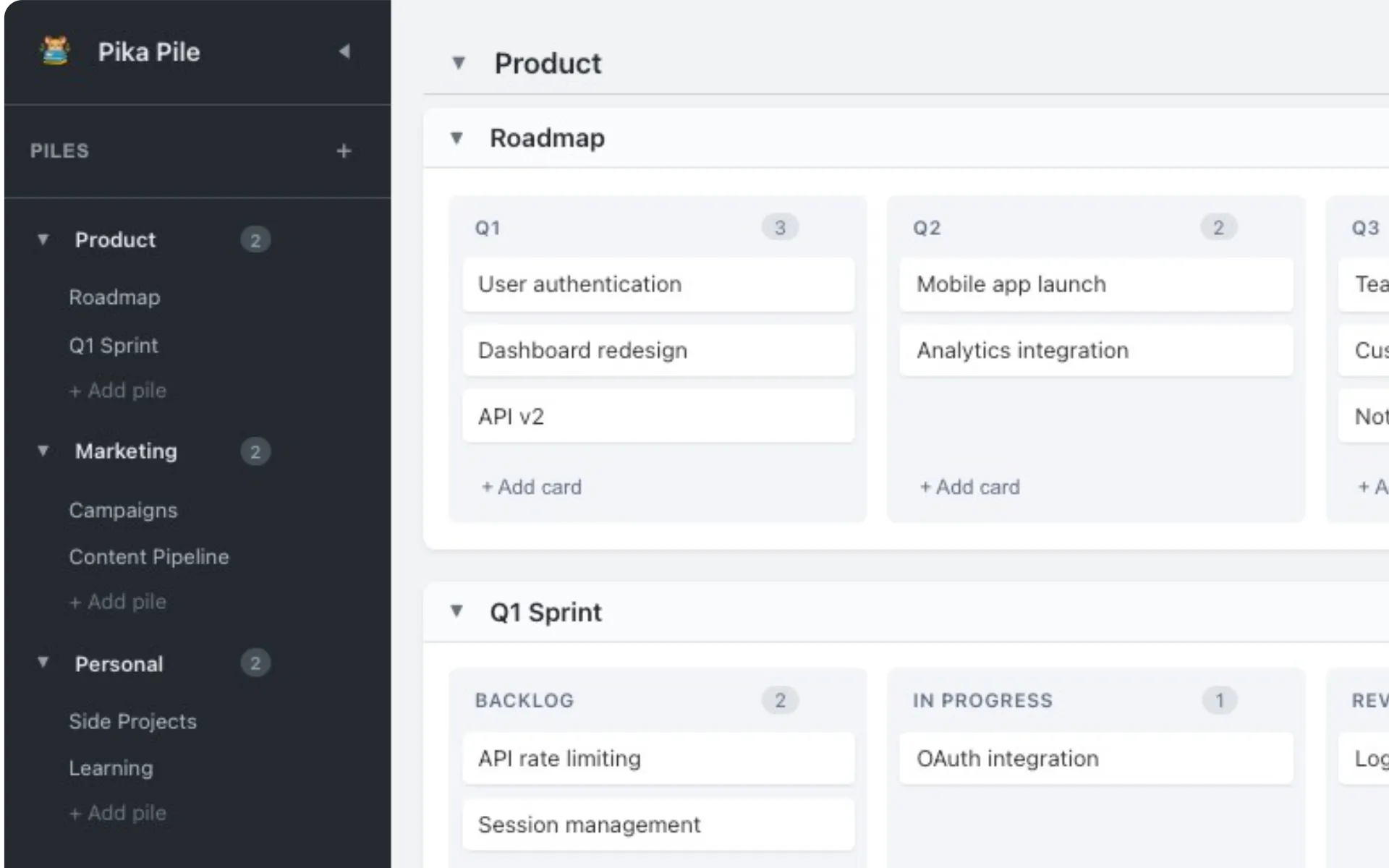
I create a group for a particular product and create a pile for my roadmap, with each column representing a future sprint or chunk of work.
When it’s time to do that sprint, I pull those cards down into a “Current Sprint” pile, break out additional tasks as needed, then create columns for my workflow (Backlog -> In Progress -> Testing -> Done).
Try the demo or sign up at pikapile.com. It’s free!