One of the fun things about AI is how quickly you can develop a lot of breadth around an idea.
I have a VM on exe.dev called DunnLabs that I use to play with design ideas. Many of those ideas were logos for side projects. Things that didn’t need a designer yet, but needed something better than a name in a default font.
It had gotten to 31 projects, 158 agent conversations, and about 1,150 design images, PDFs, and zips.
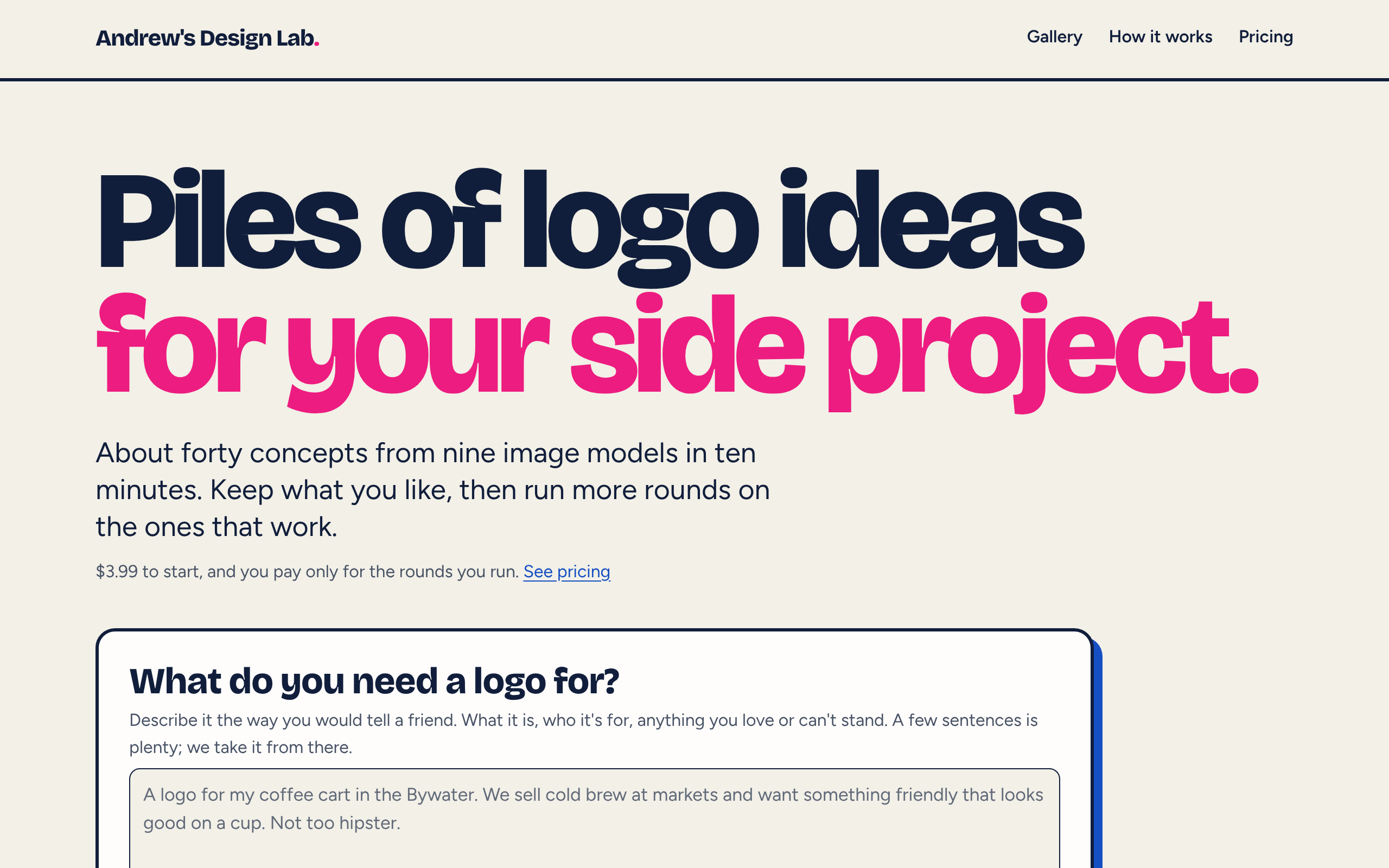
Other people liked it, so I spent a few days turning it into Andrew’s Design Lab, mostly with Claude Code. You describe what you need a logo for, and it writes a brief and sends directions to nine image models. About ten minutes later, you have roughly forty concepts to look through. Pick the ones you like, leave notes, and run another round.
It costs $3.99 to start.
Forty logos instead of four
This is where the breadth comes in. You don’t get three polished options and a “which one do you prefer?” You get a wall.
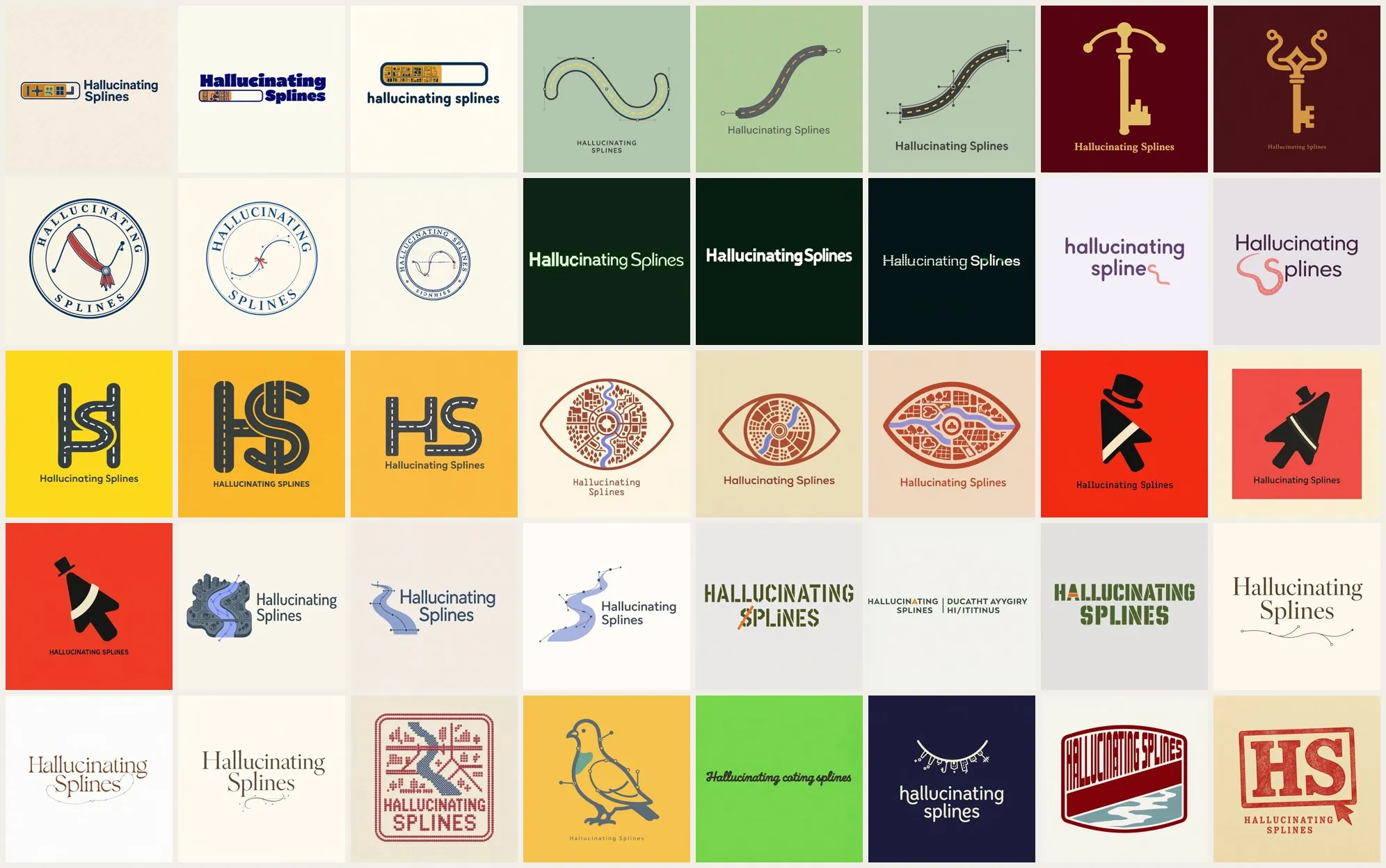
Every concept from one run for Hallucinating Splines.
A single run starts with 18 directions: 12 core ideas and 6 wildcards. Each core direction goes to three different image models, and each wildcard goes to one. That’s how one paragraph about a side project turns into about forty logos.
Running the same direction on several models is where it gets interesting. They read the same prompt differently, and seeing them side by side makes it easier to tell whether you like the idea or just one model’s take on it.
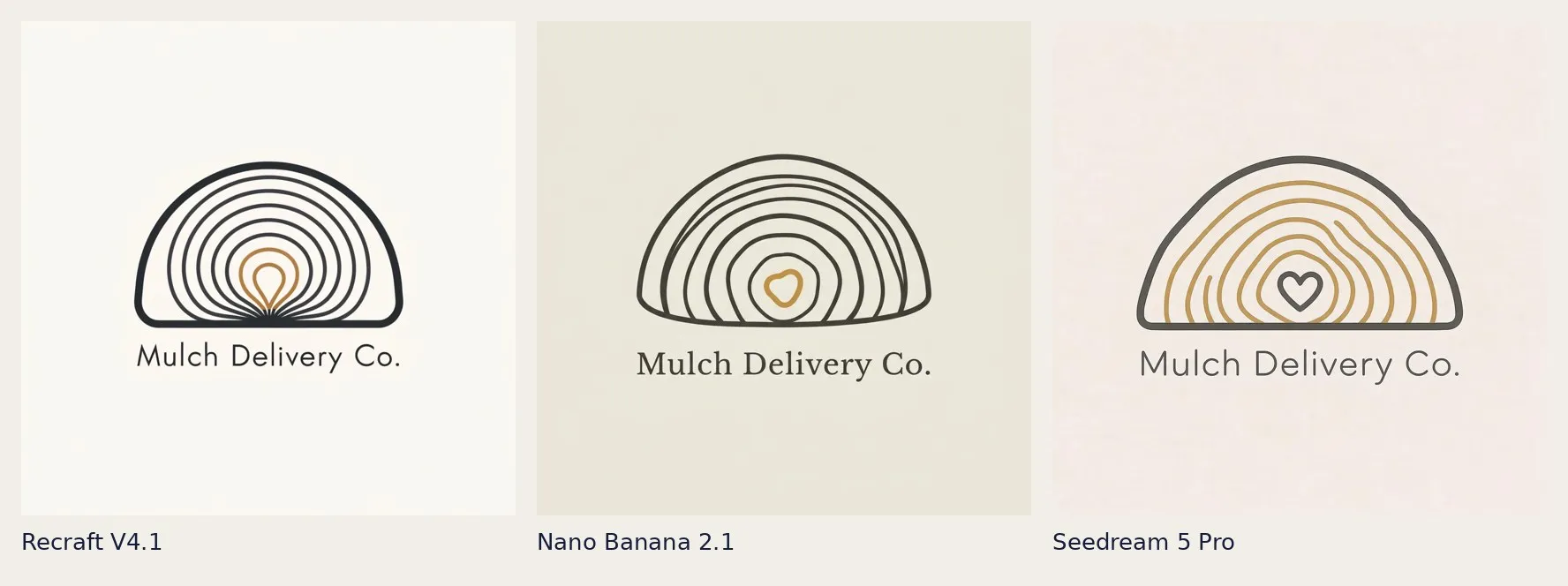
One direction for Mulch Delivery Co., three models.
As of today, the lab has drawn 612 logos.
What was already on the VM
I gave Claude access to the VM to go through everything on DunnLabs. Code, prompts, instructions, transcripts.
One thread used exe.dev’s API to export every text file and conversation, plus a manifest of every image. The prompts, review page, logo kit, and home page examples all grew out of work that was already there.
One thing I had to figure out was how much my logo iterations actually cost. It turned out every time I ran a logo experiment, the agent built a new review page from scratch. Building those pages accounted for most of the agent cost. Drawing the logos was cheaper.
Templating the review page made generation pretty dirt cheap. Every project in the lab gets the same page. Models fill in JSON fields and generate images. The site renders the page from that data, and nothing a model writes becomes HTML.
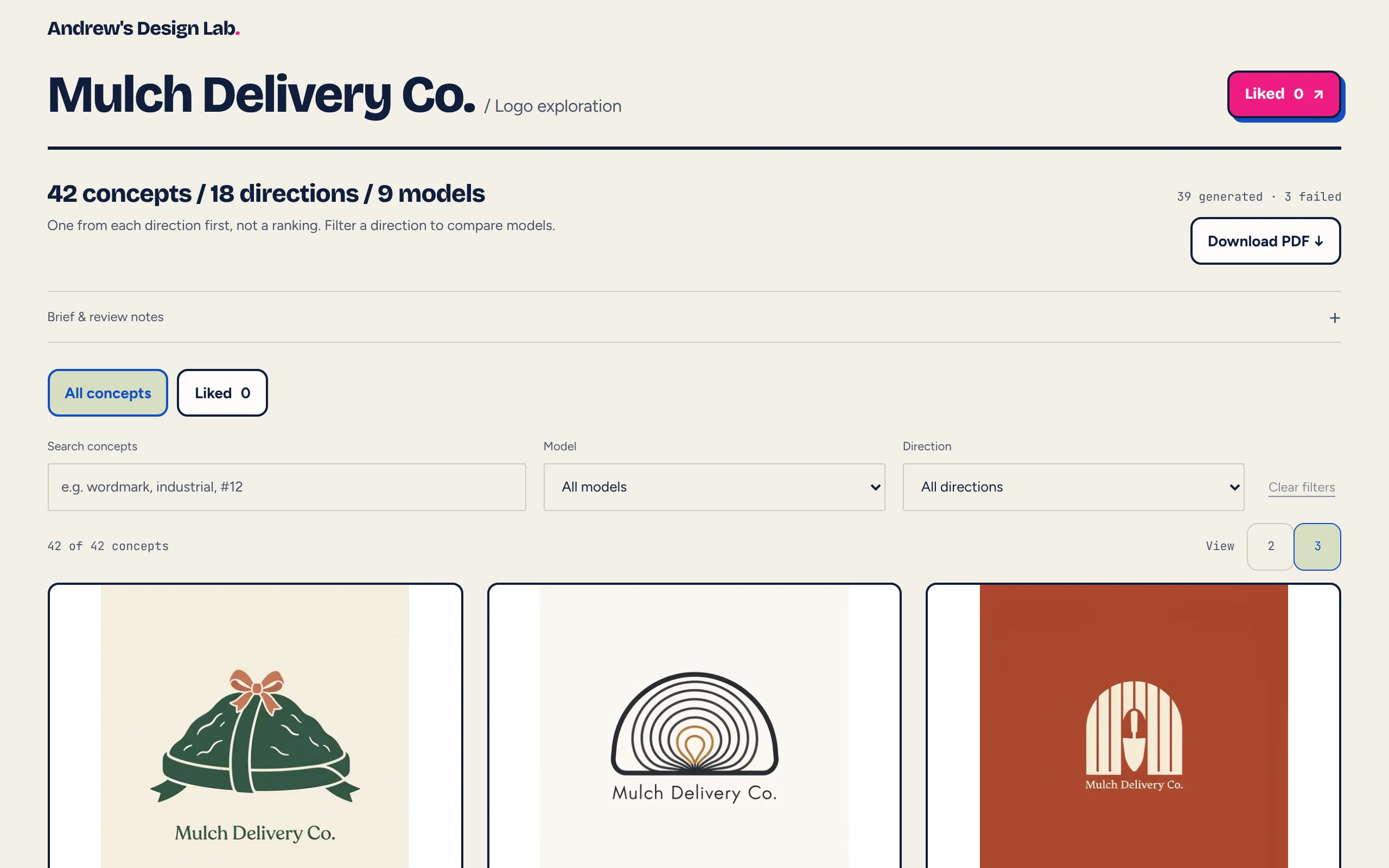
Each concept shows the exact prompt and the model that made it.
The ledger came first
Before building the website, I wanted a record of every prompt, generation, cost, and token count. I also wanted hard limits so abuse or a bug couldn’t cause crazy spend.
Every model call goes through a ledger. Before the call runs, the ledger reserves its budget. If that would put it over a cap, the call doesn’t happen.
| Limit | Cap |
|---|---|
| One call | Each model has its own budget |
| One project | $5 to start, plus $2 per extra round and $2 for the kit |
| One email or IP | $10 a day |
| The whole site | $20 a day |
| The API key itself | $25 a day, set in OpenRouter |
Just one question
The first version asked people a lot of questions to put together a design brief. But how I typically run these things is to give a quick prompt and tell it to go nuts and try different things. So I wanted the brief to start with one question: what do you need a logo for?
A broad description gives the agent room to work. The structured form made people think too hard about answers the model could help them develop.
Now you write a few sentences and can include up to five links. The brief stage reads the text, takes screenshots of the linked pages, and runs one web search for the name. It turns that into a full brief with 12 core directions and six wildcards.
You can also upload up to six images of styles you like. Those influence the written brief, but the images themselves never go to the image models.
Better prompts, not better models
Two days in, I ran a side-by-side test on Mardi Gras FYI. The image models had followed the round-one prompts pretty faithfully. But the prompts were asking for stock pictograms of what the business does and counting shapes.
We rewrote the brief instructions to look for something specific to the brand and a hook in its name, and to reject the obvious picture of the product. I moved both the brief and prompt writing to Claude Opus. It costs about two cents more per call than Sonnet.
Later, we added Allan Peters’ logo-design process to the prompts. Start with concrete brand nouns. Give each direction a form, such as a lockup, symbol, wordmark, monogram, or badge. Combine two nouns into a symbol, and make sure the mark still reads at 72 by 72 pixels.
Nine models with different habits
The lab uses nine image models: GPT Image, Nano Banana, FLUX, Recraft, Seedream, Qwen Image, Grok Imagine, MAI-Image, and Ideogram. Ideogram isn’t on OpenRouter, so it runs through fal.ai with the same ledger tracking its costs.
Directions have categories like typography, heritage, character, or abstract. Each model has strengths assigned to it, and the lab matches directions to those strengths. There’s also a penalty for overuse so all nine models get a turn.
New image models come out constantly, so I plan to keep the lineup up to date.
Everything goes in the gallery
By default, every exploration is public and shows up in the Gallery. That includes every logo, the feedback, and the logo kit if there is one. You can browse by project, by image model, by logo type, by color, or just the final picks.
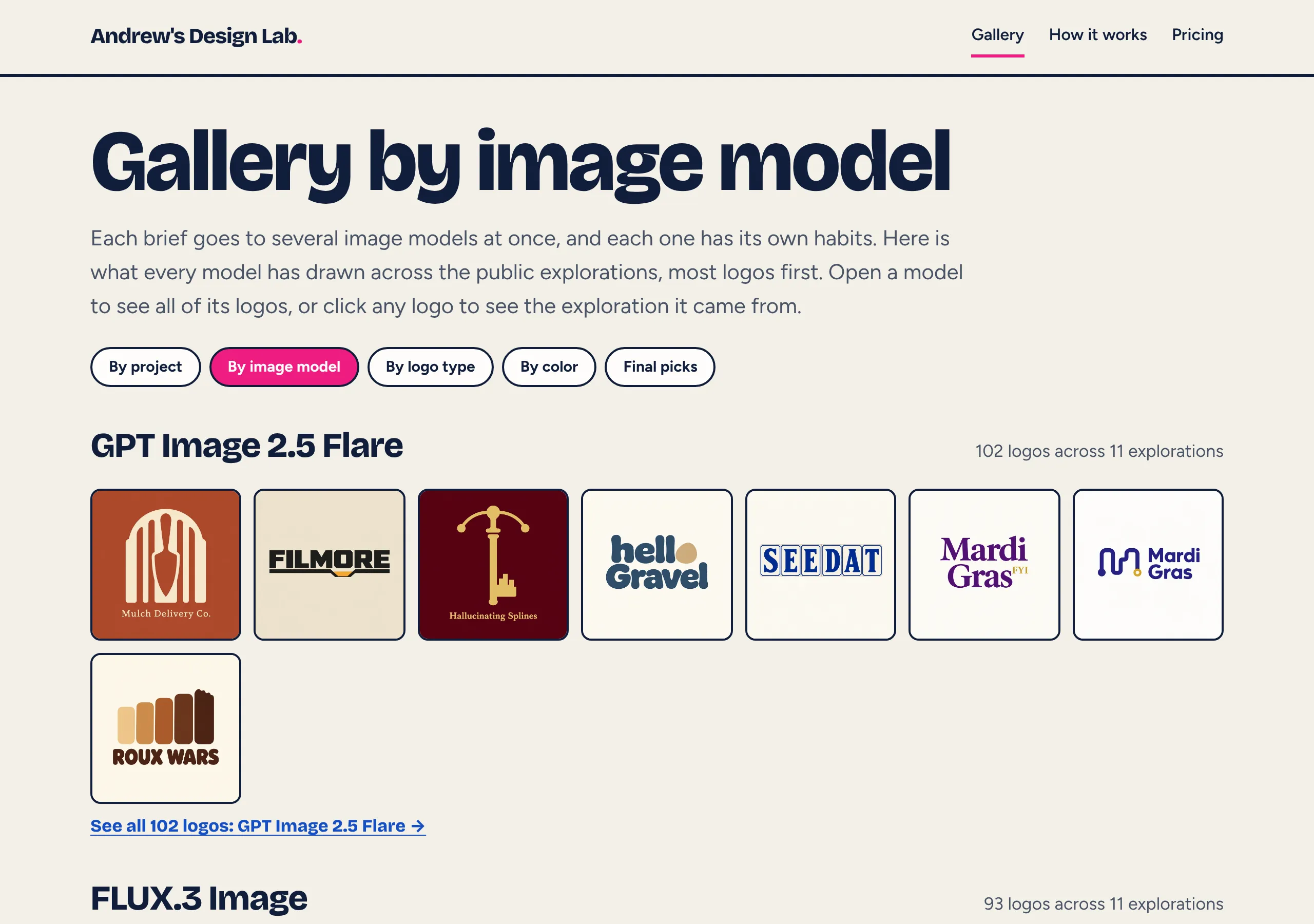
The gallery by image model. GPT Image alone has drawn 102 logos across 11 explorations.
The by-model view shows the breadth well. Each model has its own habits, and you can spot them pretty quickly when you scroll one model’s logos across eleven different projects.
If you’d rather keep yours out of it, “Keep it private” is $2.99, or you can email me and I’ll hide it. You keep the rights to anything you pick either way.
You can see every project I’ve run through it there, including Roux Wars, See Dat, and AI Friday.
From a pick to a logo kit
When you pick a logo, you tap “This is the one” and the lab builds a kit around it.
Claude looks at the logo once and records the colors, closest font, minimum sizes, and usage rules. An image model redraws it as a symbol, wordmark, horizontal and stacked lockups, and mono and reversed versions. Claude Haiku checks each piece.
After that, it’s plain code. No more model calls. The lab makes PNG and WEBP sizes, transparent cut-outs, favicons, a share card, SVGs traced from the artwork, and a three-page PDF usage guide.
What it runs on
The whole thing runs in one Cloudflare Worker. It serves the Astro site and Hono API, runs the generation pipeline through a queue consumer, and checks for stuck jobs every ten minutes with a cron.
Data lives in D1 and images in R2. Cloudflare also handles image resizing, page screenshots, PDF printing, and emails. Every merge to main deploys through Cloudflare Workers Builds.
What it costs
| What | Price |
|---|---|
| Logo ideas (about forty concepts) | $3.99 |
| Each extra round (12 new studies) | $4.99 |
| Logo kit | $12.99 |
| Ideas, two rounds, and the kit | $19.99 |
| Keep it private | +$2.99 |
These are still concept studies made by image models. The artwork is raster, the SVGs are traced, and there’s no trademark clearance. If you find something you love, take it to a designer or a vector tool before putting it on a truck.