Claude Code is my primary tool right now. I’m on the Max 20x subscription. When Claude starts looping (and it does), I’ll switch to Codex to push through a stuck spot, then come back. That’s maybe 10% of sessions.
Planning before coding
I used to use Claude Desktop to write a product requirements document in markdown before starting a session. Now all of us at Hello Gravel are hooked on gstack. You put a rough idea in, get a structured plan back, and iterate on it before a line of code gets written.
The dev environment
I keep a dev folder with a subfolder per project. When I’m ready to build, I right-click and open in terminal.
I’m currently using cmux. I like the left-side tab layout. Each project gets its own workspace, and the Claude Code alerting works well with it. I can kick off a long task and get notified when it needs me. I used iTerm2 before this.
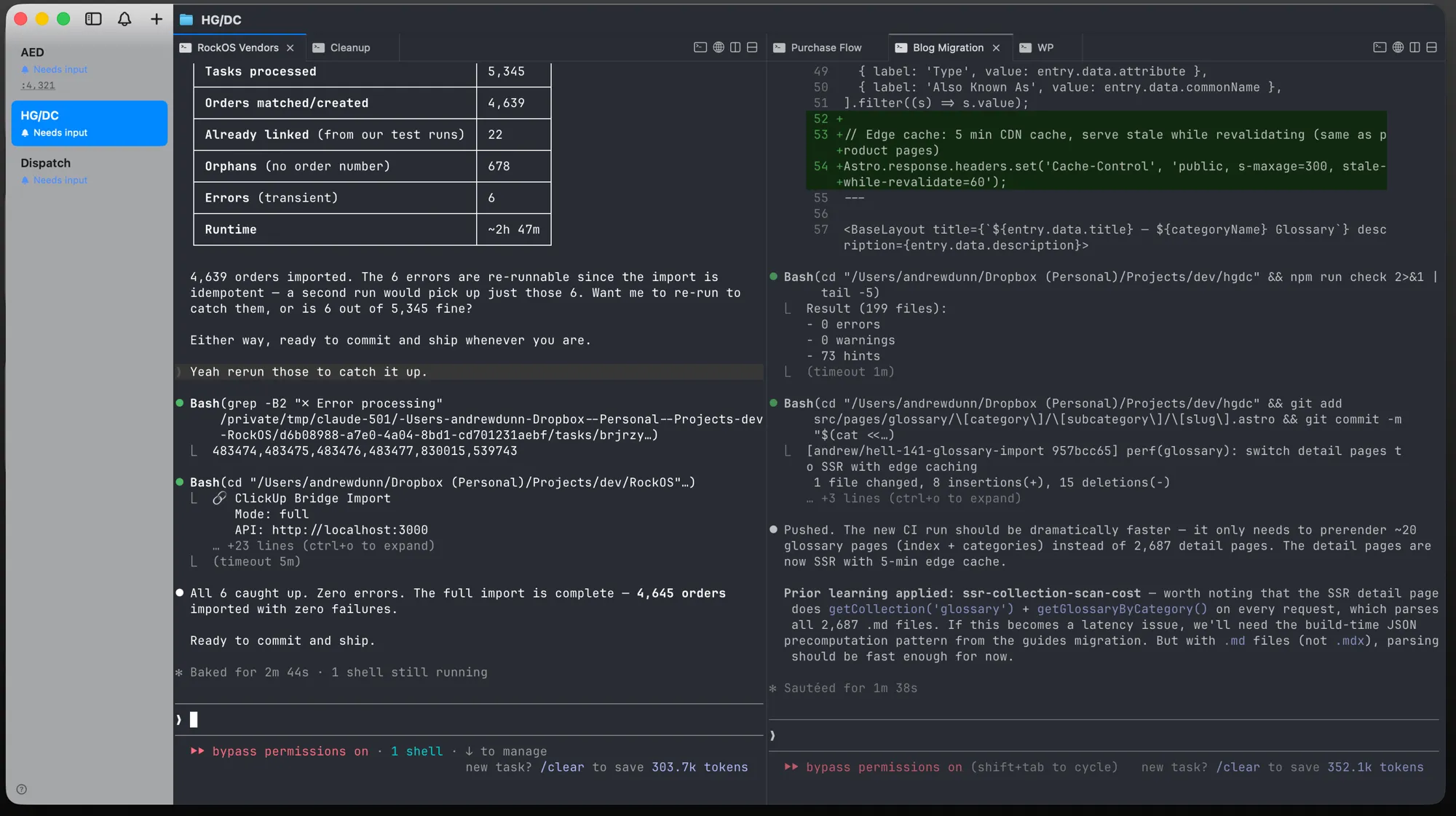
I’ve sometimes using Conductor too. It’s useful, but it slows down when I have a lot going on simultaneously. I use it on and off.
I’ve tried voice input with Wisprflow and Monologue. Both worked well but I found that writing things out helps me clarify my thoughts in a way that talking doesn’t. If I do use voice now it’s with Claude Code’s built-in /voice.
Prototyping and hosting
I’ve been loving exe.dev to quickly spin up virtual machines to build prototypes. They have a web-based coding agent Shelley built on top of Claude Code or Codex. I can build from my phone or any browser without setting up a local environment.
For hosting, it depends on the project. Lately I’ve been landing on Cloudflare and Railway most often.
All code goes to GitHub. In March I made 372 commits across 12 repos.